
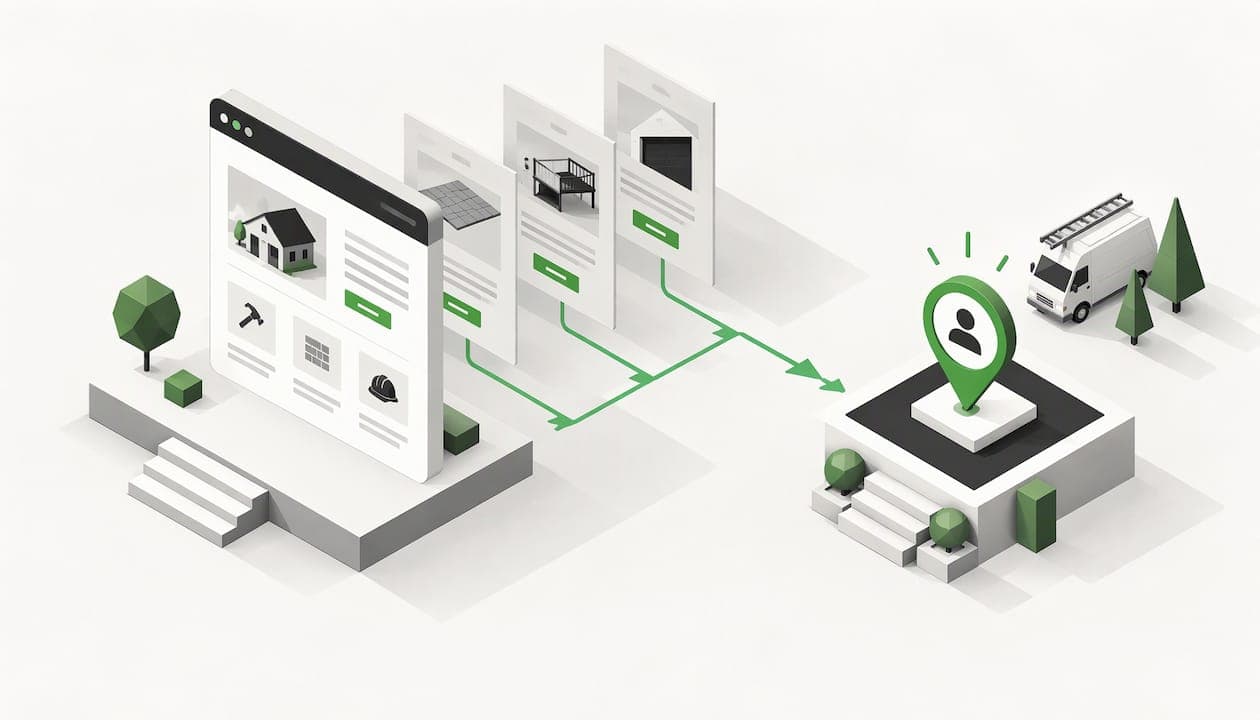
A website generates leads when every page gives a ready-to-hire visitor one obvious next step, usually a tap-to-call button or a short quote request, and when you can see how many people take it. For a contractor, that means a fast mobile site, a page for each service and area you cover, proof you are real and licensed, and a way to measure calls and form submissions. Here is how to build that, step by step.
TL;DR
- A lead generation website gives each page a job: get the visitor to call or request a quote. A brochure site only describes you.
- For contractors, the basics are a visible phone number, a short form, real project photos, reviews, license and insurance info, and fast mobile loading.
- Dedicated service and area pages, plus a complete Google Business Profile, put you in front of searchers who are ready to hire.
- Track the whole path: visits, form views, form starts and submissions, plus phone calls.
- Budget realistically. Our Roanoke pricing is published below so you can compare it with any quote you get.
Table of Contents
- What a lead generation website actually is
- Why shared lead services are a trap
- What a contractor lead generation website needs
- How people find you in the first place
- Turn calls into booked jobs
- How to track whether your site is working
- A simple 30-day plan
- What this costs in Roanoke
- Want to see it before you pay?
- FAQ
- Sources
What a lead generation website actually is
Most marketing guides define lead generation for software companies: someone downloads an ebook, a salesperson follows up weeks later. Salesforce describes lead capture forms as the way a site asks visitors for contact details in exchange for information, so sales can follow up.
Your world is different. A homeowner with a leaking water heater or a property manager with a failed inspection does not want an ebook. They want someone to pick up the phone today. So for a contractor, a "lead" is usually one of three things:
- A phone call.
- A short quote or estimate request.
- A text or chat message asking about availability.
The website's whole job is to produce those three things at a steady rate, from people who live in your service area and need the work you do.
Lead generation site vs. brochure site
A brochure site lists your company history, a few services and a contact page. It is fine for credibility, but it leaves the visitor to figure out what to do. A lead generation site works the opposite way:
| Brochure site | Lead generation site | |
|---|---|---|
| Main goal | Describe the company | Produce calls and quote requests |
| Phone number | In the footer or on a contact page | Tap-to-call on every screen |
| Service pages | One "Services" page | One page per service and per area |
| Trust proof | An About page | Reviews, photos, license info beside every call to action |
| Success measured by | Traffic | Calls and form submissions |
The same idea shows up in how HubSpot describes the lead process: a call to action leads to a dedicated page with an offer and a form, then a confirmation page. For a trade business, swap the offer for "free estimate" and the form for a phone number and a three-field request.
Why shared lead services are a trap
Many contractors start with paid lead brokers. You pay per lead, the same inquiry goes to several competitors, and you end up racing to call first and quoting against people who never intended to hire. You also own nothing: stop paying and the leads stop.
A website you own works differently. It builds up. Pages you publish this year keep ranking next year, your reviews keep accumulating, and the calls that arrive are for you alone. That is the model we build around at devbodhi: direct inbound calls without lead brokers in the middle.

What a contractor lead generation website needs
A Joist guide to contractor websites says a good site should prove you are a real, trusted, licensed business, show real project photos and make it easy to ask for a quote, without making people hunt for a phone number or fill out a long form. That matches what we see on trade sites that get calls. Here is the checklist.
1. A phone number that is impossible to miss
Put your number in the header, and make it tap-to-call on phones. Repeat it after the first screen of text and at the end of each page. If you have a business line that rings your cell, use it. A visitor deciding between three contractors will call the first one that makes it easy.
We go deeper on this in our guide to getting more calls from your website.
2. A short form for people who will not call
Some visitors are in a meeting, at night, or simply prefer typing. Give them a form with name, phone number and a short description of the job. Add a field for the address or zip code only if you need it to confirm your service area. Every extra field costs you submissions.
Salesforce also notes that forms should be strategic and goal-oriented, with the form placed above the fold on a landing page, concise copy and a basic privacy policy when you collect personal information such as email addresses.
3. Proof that you are real
Trust is what separates a call from a bounce. Put these next to your call to action, not buried on an About page:
- Your license number and proof of insurance, where your state or trade requires or expects them.
- Real photos of real jobs, ideally in the Roanoke Valley, not stock images.
- Google review score and a few short customer quotes, with permission.
- Years in business, the names of owners or crew, and a real local address or service area.
If you have few reviews, fix that first. Our review system is a one-time $250 setup, and our free Google review QR code generator makes it easier to ask customers on the job site.
4. Speed on a phone
Most of your searchers are on a phone, often standing in the house with the problem. Joist points out that if a contractor site is slow or hard to tap through on mobile, visitors go to the next search result. Compress photos, keep the layout simple, use big buttons, and avoid pop-ups that cover the call button. We wrote about this in the 10-second bounce threshold.
5. The right number of pages
Joist suggests roughly five to eight pages for a contractor site: home, services, about or team, photos, reviews, service area, license and insurance information, and a contact or quote page. That is a good floor. As you grow, add a separate page for each service and each city or neighborhood you want to win. Our guide to which pages you actually need walks through the structure.
How people find you in the first place
A fast, trusted site is useless if nobody lands on it. For local trades, visibility comes from two places that work together.
Your Google Business Profile
This is the listing with your name, reviews, hours and map pin. Ahrefs explains that ranking in the map pack requires an optimized Google Business Profile in addition to optimizing your website for regular results. Fill out every field, choose accurate categories, add photos regularly and answer reviews. We handle this as a one-time Google Business Profile setup for $395.
Service and area pages
Ahrefs also notes that contractors miss customers when they do not create pages for specific service and problem searches, because a homepage is unlikely to rank for them. So instead of one page that says "We do plumbing, HVAC and electrical," build one page per service, and one per area you serve.
For each page:
- Put the service and place in the title, the main heading and the URL. Search Engine Land recommends descriptive URLs with relevant keywords, keyword placement in title tags, meta descriptions and headers, and bullets and subheadings to organize content.
- Describe the job the way a customer would, including the problems that make them search.
- Show a local project or review.
- End with the phone number and the short form.
Do not copy the same page and swap the city name. Each page should say something true and useful about that service in that place. Our service area page blueprint shows the layout we use, and extra pages are $250 each if you want us to write and build them.
If you are not showing up at all, start with why your business is not showing on Google and why service businesses fail to rank in their area.
Turn calls into booked jobs
Generating the lead is half of it. The other half is what happens in the next ten minutes.
- Answer or call back fast. If a call goes to voicemail, a missed-call text that says you will call back shortly keeps the lead warm.
- Write down every inquiry. A spreadsheet works to start. A simple CRM keeps follow-ups from slipping.
- Qualify early. Some callers will be too far away or outside your trade. A line or two on the page about what you do and where you work reduces those calls. See how to filter junk leads before they call.
- Make the path short. The less a visitor has to think between search and booking, the better. Our friction-free funnel guide covers this.
How to track whether your site is working
If you do not measure, you are guessing. Google's analytics help describes measuring how many people visit, reach the form, start it and submit it, using form_start and form_submit events in Google Analytics 4. That step-by-step view shows where people drop off.
For a contractor, add phone calls to the picture:
- Track form submissions as conversions in Google Analytics.
- Track taps on your phone number, since a phone tap is often your most valuable action.
- Ask every caller how they found you, and write it down. It is low-tech and it works.
- Review monthly. Which pages get visits but no calls? Fix those first.
- Watch review velocity, meaning how many new Google reviews you earn each month, since steady reviews help your profile's prominence.
One warning: a lot of visitors is not the goal. A hundred right-area visitors who call beat a thousand curious ones who do not.
A simple 30-day plan
Week 1: Foundation. Claim and complete your Google Business Profile. Confirm your name, address and phone number match everywhere. Gather your license details and ten of your best project photos.
Week 2: Site basics. Make sure your phone number is tap-to-call in the header. Cut your form to three fields. Move reviews and license info next to your calls to action.
Week 3: Pages. Write or commission one page for each of your top three services. Add one page for your most profitable service area.
Week 4: Measure and ask. Set up call and form tracking. Ask your last ten happy customers for a Google review. Check what you have after a month, then repeat the cycle with the next pages.

What this costs in Roanoke
Prices vary widely, so here is ours, published so you can compare. For a wider view, see how much a small business website should cost.
| Item | Price |
|---|---|
| Core website build | $2,997 one-time |
| A website built to get calls | $2,250 one-time |
| Google Business Profile setup | $395 one-time |
| Domain, email and DNS, set up or moved | $350 one-time |
| Review system | $250 one-time |
| Extra service pages | $250 per page |
| Hosting, backups, monitoring and small edits | $99 per month |
| Pro plan | $597 per month |
| Max plan | $1,697 per month |
The build is a one-time fee, and the monthly plans are optional. You own your web assets, and ongoing support is only there if you choose it.
Our perspective
We build websites as digital sales hotlines, not digital brochures. A contractor's site should do one thing well: make it easy for a local homeowner or business to call you, and give them enough proof in the first few seconds to do it.
That is why we start from what people in your market actually search for, build pages around those searches, and keep the phone number and trust signals in front of the visitor. We think you should see the site before you pay for it, which is why we show a live demonstration first.
We also believe you should own your corner of the map. Shared leads sold to several competitors keep you renting your pipeline. A site, a Google profile and a review base that belong to you keep paying off month after month.
devbodhi
Want to see it before you pay?
If you run a trade or service business in Roanoke and want a site built around calls, we will show you a live demo of your site before you pay anything. Our Roanoke web design page lists the Core build, the optional Pro and Max plans, and the add-ons for your Google profile, reviews and domain setup.

If you would rather start small, begin with the Google Business Profile setup and add pages as the calls come in.
FAQ
How can a website generate leads?
By giving visitors a clear next step on every page and making it easy to take. For contractors, that is a tap-to-call button and a short quote form, backed by reviews, photos and license information. Pages built around specific service and area searches bring in people who are ready to hire.
How much should I pay for lead generation?
It depends on whether you rent leads or own the source. Lead brokers charge per inquiry and the leads may be shared. A website is a one-time build plus optional monthly costs. Ours starts at $2,250 one-time for a site built to get calls, with hosting and edits at $99 per month if you want them.
What pages does a contractor lead generation website need?
At minimum: home, services, about, photos, reviews, service area, license and insurance information, and a contact or quote page. Then add one page per service and per city you want to win.
How do I know if my site is generating qualified leads?
Track visits, form starts, form submissions and phone taps, then ask callers how they found you. Google Analytics 4 can measure form starts and submissions. Look for pages that get visitors but no calls, and fix those first.
Sources
- Salesforce: How to Capture Leads on Your Website
- HubSpot: How to Create a Lead Generation Website
- Joist: How to Build a Contractor Website That Wins Jobs
- Ahrefs: SEO for Contractors
- Search Engine Land: How to do SEO for contractors
- Google Analytics Help: How to generate more leads on your website